ACCESS
Access Control
You can give each person the access they need without extra noise. Access A, Access B, Access C, Access D.
Every print job, tracked from order to delivery.
InSynk by WEBBED gives your whole shop one shared job record. It holds photos, voice notes, assignments, and monthly reports.
30 minutes, your use case, no pressure.
No pressure. We show your use case live.
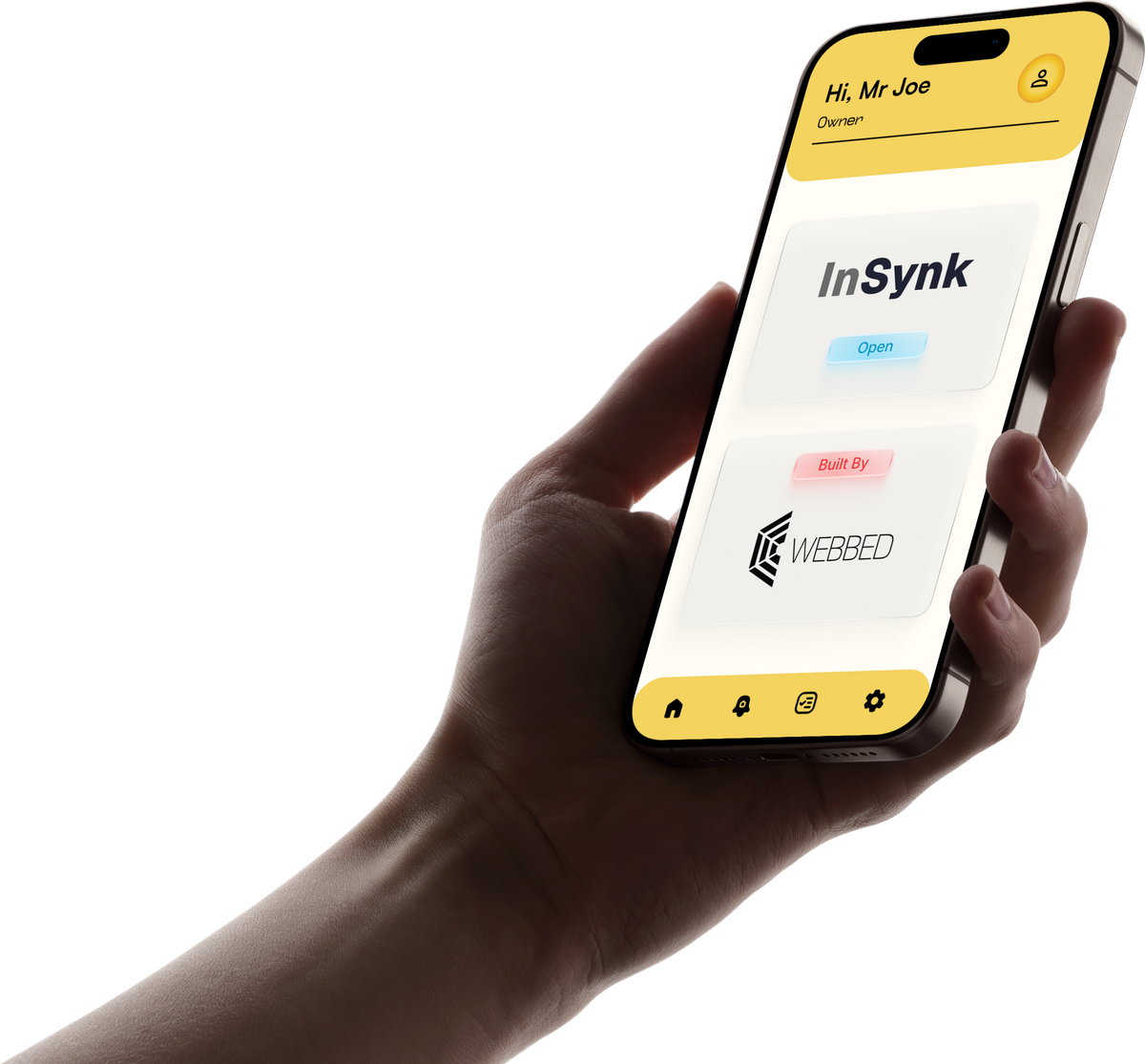
One shared job record, from creation to delivery. Photos, voice notes, assignments, and reports stay in one place.
You can give each person the access they need without extra noise. Access A, Access B, Access C, Access D.
You can start from a plain workflow without guesswork. Pre-Press, Press, Post-Press, Delivery. Then add, remove, or reorder.
You can see every job’s status without walking the floor. One shared record updates for all access levels.
You can find any job without confusion. Each job gets [INITIALS]-[SERIAL]-[TYPE]. S is Sample, O is Order, R is ReOrder.
You can share work in a fair way without bias. Rotation ideas come up. Access C can Allow, Manage, or Cancel.
You can open a job page from a QR link without searching. QR links open for Access A, B, and C. People on Access D use their task list.
From order to delivery, one job record for all four access levels.
You can create a job without missing details. Guided 4-page form. Bundle parts with up to 2 photos each.
Job starts at 0%. JobID is issued as [INITIALS]-[SERIAL]-[TYPE].
You can start fast without guesswork. Suggested Pre-Press, Press, Post-Press, Delivery. Then edit, add, or reorder.
Suggested by default. Edited by a person, always.
You can share work in a fair way. Access C assigns. Fair rotation ideas help. Reassign only while still assigned.
Reassign only while a task is still in the assigned state.
You can do your task without confusion. Access D taps Accept, then Complete. Hiccup if stuck. Photos and voice playback help. No Start button, no timers.
No Start button. No timer. Nothing runs in the background.
You can see trouble without walking the floor. Live tiles, stage history, overdue and hiccup alerts. No timers.
The Action Center is its own screen, not a tab.
You can close a job without losing proof. Done jobs show 100%. History stays. Access A exports a monthly PDF by hand.
Manual on purpose. You decide when the month is closed.
Background check runs every 30 seconds and only surfaces pending work. It never assigns a task by itself.
Every person gets the level that fits their work. Nothing more, nothing less.
Access A
called Owner in the app
Runs the shop. Creates jobs, reads every report, exports the monthly PDF, controls outsourcing fully.
Access B
called Manager in the app
Same as Access A, except outsourcing is view-only.
Access C
called Supervisor in the app
Gives out work, approves it, clears blocks. Can Allow, Manage, or Cancel a suggestion.
Access D
called Operator in the app
Does the task. Taps Accept, then Complete. Raises a hiccup when stuck. No timers, no extra screens.
Android, iOS, macOS, Windows, and Web. Linux is not supported.
Android, iOS, macOS, Windows, Web.
Linux is not supported.
English, Tamil, and Hindi.
Saved per person and access level. More languages on request.
Read last known data.
Creating, uploading, and syncing need internet.
These six come up on almost every call. There are five more on the full page.
All questionsA print workflow tracker built by WEBBED. Each job keeps one shared record from creation to delivery, with photos, voice notes, assignments, and reports attached to it.
Four access levels. Access A runs the shop. Access B does the same with view-only outsourcing. Access C assigns and approves. Access D accepts and completes tasks.
Each job gets a JobID in the format [INITIALS]-[SERIAL]-[TYPE]. Access D taps Accept, then Complete, and raises a Hiccup if blocked. Stage history records who moved what, and when.
Access A, B, and C. Access D sees Access Denied there and works from the task list instead. Scanning a code does not start anything.
Android, iOS, macOS, Windows, and Web. Linux is not supported. Languages are English, Tamil, and Hindi, saved per person and access level. More languages can be added on request.
For reading, yes. Offline you see a banner and the last known data from cache. Creating a job, uploading photos, and syncing all need internet.
No pressure. We show your use case live, and if it will not fit your shop we tell you on the call.